Why Web Hosting Matters Before You Launch
Have you ever written a great article, only to find your site loading slowly or occasionally down? Poor server selection can impact both overall speed and user experience.
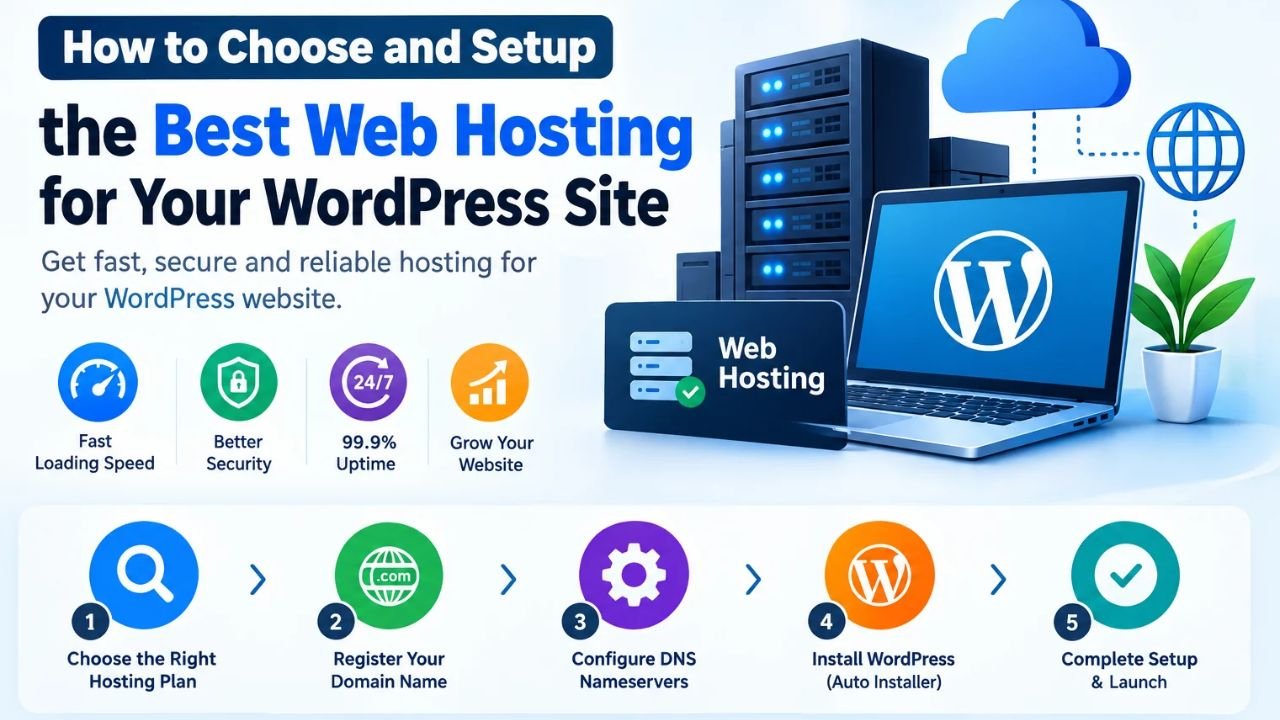
So when any creator starts, understanding How to Choose and Setup the Best Web Hosting for Your WordPress Site is the most important step.
Simply put, web hosting is the online space and server environment where your WordPress files, images, and database are stored so that visitors can access them. You can also read our WordPress beginner’s guide later.
Why is correct hosting necessary?
-
Page loading speed: Fast server response helps readers stay on the page.
-
Uptime and reliability: When the site is frequently down, both visitors and trust decrease.
-
Easy WordPress management: Clean dashboard and proper PHP/database support keeps things running smoothly.
Look brother, instead of jumping immediately after seeing the cheapest plan, you should think according to your needs and the quality of the site.
Guide to placing an image below this heading: Place a clean illustration with simple icons of a cloud server or hosting network. Don’t place any fake discounts, fake speed claims, or misleading text.
How Web Hosting Works With Your WordPress Site
Now let us see what work the hosting server does behind the scenes when a reader enters the name of your website in the browser.
First, the browser finds the server’s location through the domain name (DNS). Then, the hosting server receives the request, extracts the content from WordPress’s PHP files and database, and sends the page to the browser.
In simple words, the flow is like this:
Visitor Browser -> DNS & Web Server -> WordPress Files + Database -> Page Shown on Screen
Difference between hosting and domain
-
Domain: This is the address of your website, like
example.com. -
Web Hosting: The server space and resources where your site’s files and data are stored.
-
SSL / HTTPS: Secures the connection by encrypting it so that data is transferred securely.
Most importantly, domain and hosting are separate entities, but together they make your site live. For official web standards and technical documentation, it’s a good idea to check out trusted resources like Mozilla MDN Web Docs and the WordPress.org Hosting Guide .
Guide to the image to place under this heading: Place a clean flow diagram Website User -> Internet -> Web Server (Web Hosting) -> Website Fileswith clear arrows.
Key Features to Check Before Choosing WordPress Hosting
Its simple meaning is that before buying a plan, do not just look at the price but also check its real technical features.
If you make the right selection as per How to Choose and Setup the Best Web Hosting for Your WordPress Site , then the tension of migration and slowness reduces considerably later.
Which things should you definitely check?
-
Storage and bandwidth: You should have enough space and transfer limits for your articles, images, and expected traffic.
-
Backups: It is very important to have a regular backup option so that the site can recover in case of a mistake or update issue.
-
Support and control panel: Having clear file/database access and a helpful support team is very useful for beginners.
-
Renewal and terms: The renewal price and plan terms after the initial offer should be read carefully beforehand.
Otherwise, if you buy a plan without checking the terms and resources, you might be surprised by the limits or renewal costs later. You can also check out our blog speed optimization guide .