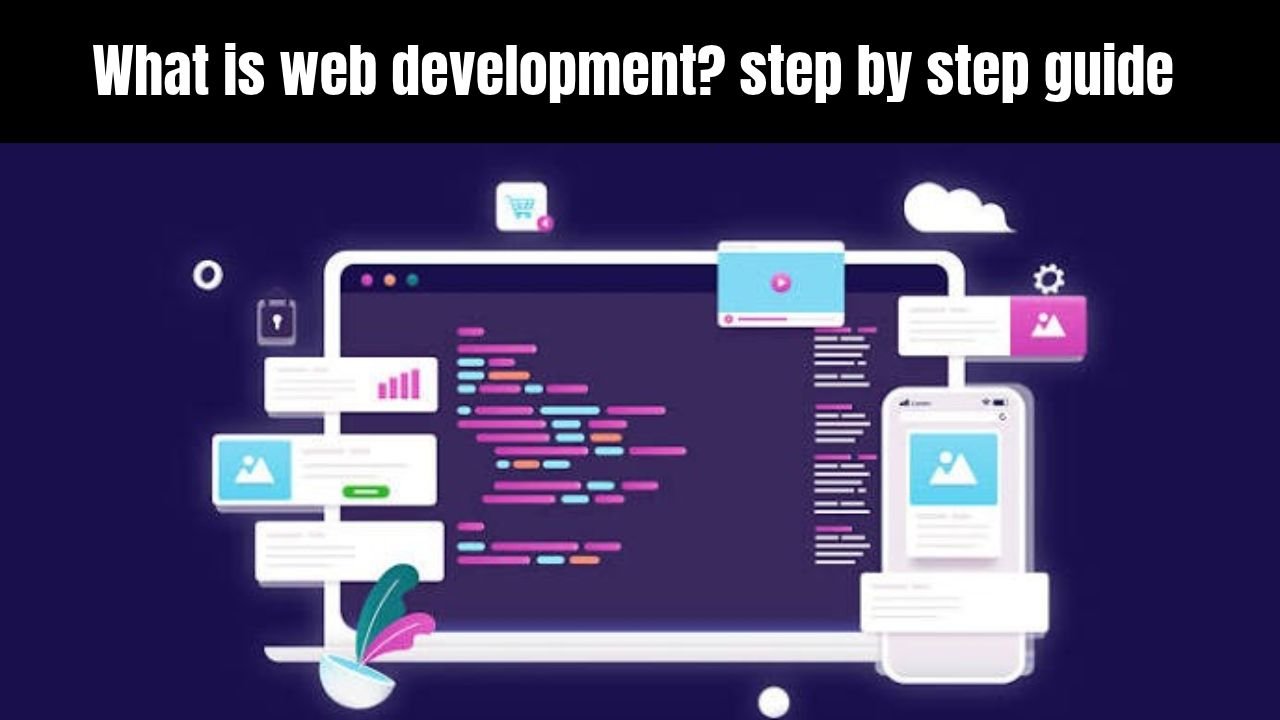
Have you ever wondered how buttons, photos, and menus appear on the screen when you open a website on your phone or laptop? These things don’t just happen. Someone has to create them and make them work.
This work is called web development . Simply put, web development means building, maintaining, and updating websites and web applications over time.
If a new learner is looking for a step-by-step guide to “What is web development?” , it’s important to understand that it’s not just about writing code. It’s about meeting users’ needs and providing a smooth experience.
What does a web developer actually do?
A website can be small or large. A small site may simply display details about a shop or service, while a larger site allows people to create accounts, log in, or place online orders.
Web pages, menus, forms, aur buttons banana
Setting the layout for both mobile and laptop screens
Connecting the website with the server and database
Fixing bugs (errors) and improving page speed
Keeping the old site safe and updated
So, if you’re a beginner, it’s best to first understand the basic concepts. When the foundation is strong, further learning becomes easier. You can also check out our web hosting guide for beginners .
Website across laptop and phone. Source: Overearth / Getty Images
Guide to the image to place under this heading: Create a clean illustration showing a modern website screen on a laptop or smartphone. Don’t add fake stats or useless text.
How Does a Website Work?
Now let us see what happens when you type the name of a website in the browser and press Enter.
First, your browser sends a request to that website. The domain name helps determine the correct server address (IP), and the web server sends back the necessary files.
The browser then interprets those files and displays the website on your screen. In simple terms, the flow is as follows:
User -> Browser -> DNS / Domain -> Web Server -> Website Files -> Screen
What are Browser, Domain, Hosting, and Server?
Browser: This is the software or app you use to open websites, such as Google Chrome, Safari, or Firefox.
Domain Name: This is the name of the website which people remember, like google.comor wikipedia.org.
Web Hosting: This is the space or service where your website files are stored so that people can open them.
Web Server: This is a computer or system that responds to requests and sends files.
Look, brother, domain and hosting are different things, but they work together. A domain is the name, and hosting is where the files are stored. Before purchasing a domain, be sure to understand the official domain registration guidance to avoid getting incorrect information.
How a website loads step by step. Source: Made with Google AI
Guide to the image to be placed below this heading: Create a simple flow diagram with clear arrows between User, DNS Server, and , , and .Web Host ServerIP AddressRequestData Transfer
What Are the Main Types of Web Development?
When you think about learning web development, there are three common categories that arise. Each category has a slightly different function.
These are the three main types:
Front-End Development
Back-End Development
Full-Stack Development
The most important thing is that roles aren’t the same in every company. Smaller teams may have a single developer handling most of the work, while larger teams may have different tasks divided into different parts.
What is Front-End Development?
Front-end development deals with the part of a website that users see and use directly on the screen. Text, images, buttons, menus, forms, and mobile design all fall into this category.
HTML forms the structure of the page, CSS sets the design and layout, and JavaScript handles actions like clicks and interactions. If you want to understand the basics, the HTML and CSS Basics guide and MDN Web Docs are both very useful.
Basic front-end project files. Source: Made with Google AI
Guide to the image below this heading: Create a clean folder diagram that shows clear files/folders Rootinside the folder like index.html, css, js, and so on.images
What is Back-End Development?
Back-end development works on those parts of the website that are not directly visible to the user on the screen, but are necessary for the system to run.
When a user creates an account, logs in, or submits an order, server-side logic and databases check and save that data.
What is Full-Stack Development?
Full-stack development means having the skills to handle both front-end and back-end tasks. But there’s no need to learn everything at once initially.
In simple words, first understand the basics of the web, then move towards the front-end and then the back-end.
Full-stack development roadmap overview. Source: VectorMine / Getty Images
Step by Step Guide to Learn Web Development
Agar tum bilkul zero se shuru kar rahe ho, to ek saath sab kuch seekhne ki koshish mat karo. Warna confusion ho sakta hai aur tum aage badhne se ruk jaoge.
Ye What is web development? step by step guide tumhe ek seedha aur practical rasta dikhati hai taake tum step by step seekh sako:
Internet aur web ke basics samjho: Browser, domain name, hosting, aur HTTP/HTTPS kaise kaam karte hain, ye pehle clear karo.
HTML aur CSS seekho: HTML se page ka structure banao aur CSS se colors, spacing, aur mobile-friendly layout set karo.
Git, deployment aur back-end ki taraf barho: Apne code ko save karna seekho, kisi live hosting par publish karo, aur jab mann kare to server ya database ka kaam aage seekho.
Sabse zaroori baat ye hai ke sirf videos dekhne se skill nahi aati. Jab tak tum khud code likh kar chhote-chhote pages nahi banaoge, tab tak cheezein pakki nahi hongi.
Step by step learning roadmap. Source: VectorMine / Getty Images
Is heading ke neeche lagane wali image ka guide: Ek clear step-by-step roadmap banao jisme Basics -> HTML & CSS -> JavaScript -> Projects & Hosting -> Back-End jaise stages simple arrows ke saath dikhein.
Coding vs Website Builders and WordPress
Ab ek ahem sawaal aata hai: kya har website ke liye zero se code likhna zaroori hai?
Asal mein nahi. Tum custom coding ke saath-saath WordPress ya drag-and-drop website builders (jaise Wix, Squarespace, ya Shopify) ka bhi istemal kar sakte ho.
Custom coding mein tumhe har cheez par zyada control milta hai, lekin seekhne aur banane mein zyada waqt lagta hai. Website builders aur WordPress se site jaldi launch ho sakti hai, lekin unke plugins, themes, aur platform rules ki apni limit hoti hai.
Kaunsa Rasta Kab Behtar Hota Hai?
Agar tumhe deep technical skill aur full custom control chahiye, to custom web development best rasta hai.
Agar tumhe jaldi blog, business site, ya online store live karna hai, to WordPress ya website builder practical option ho sakta hai.
Comparing development approaches. Source: zlomari / Getty Images
Guide to the image to place under this heading: Create a clean side-by-side comparison graphic with Custom Codeicons WordPress / Website Buildersand key points written in simple language.
Pros and Cons of Learning Web Development
Like any skill, learning web development has its benefits and challenges. It’s important to get the truth and balance right so you can move forward with realistic expectations.
Pros (Length)
High demand and flexible work: Websites and web apps are used in every sector, hence the scope of skills is quite wide.
Start Low: Just a computer, internet, and free learning resources are enough to get started.
Create your own projects: You can build and manage your own website, portfolio, or tool.
Cons (Challenges)
Practice and patience are required: Coding and debugging involve mistakes, which take time to fix.
Technologies keep getting updated: Tools and frameworks change with time, so one has to keep learning new concepts.
There is no shortcut: Copying and pasting without practice does not lead to real problem-solving skills.
Pros and cons overview. Source: Tomas Knopp / Getty Images
Guide to the image to be placed below this heading: Create a clean pros and cons diagram clearly showing 3-3 short points of Pros(green/positive side) and (neutral/challenge side).Cons
Frequently Asked Questions
What is web development in simple words? In simple words, web development means creating websites and web applications, hosting them on the Internet, and updating and maintaining them as needed.
How long does it take to learn basic web development? This depends on your daily practice time. If you practice 1 to 2 hours a day, you can develop a grasp of HTML, CSS, and basic JavaScript within a few weeks, while building projects is essential for full confidence.
Do I need strong math skills for web development? Most basic and intermediate web development doesn’t require heavy math. Logic, step-by-step thinking, and problem-solving skills are more useful.
Can I start web development without buying expensive software? Yes, free code editors, browsers, and documentation are enough to get you started. When you want to make your website live, you may need a domain and hosting.
Should I learn front-end first or back-end first? For beginners, it’s easier to start with the front-end (HTML, CSS, and basic JavaScript) because what you create is immediately visible on the screen.
Common beginner questions. Source: Oleksandr Hruts / Getty Images
Guide to the image to place under this heading: Create a clean FAQ banner or illustration that FAQdisplays the question mark icons in a simple, clean style.
Final Thoughts
Look, brother, when learning any skill, the first step is the most important. Take a small step today, understand a concept, and practice it a little – tomorrow you’ll feel proud of your hard work!