Let’s Get Started:
Running an online business these days without data is like driving with your eyes closed. If you don’t know where your ad budget is going or what your website visitors are doing your marketing budget is going down the drain. Digital Marketing Analytics comes to solve this problem .
When you run online campaigns whether it is Facebook Ads Google Ads or SEO data is generated everywhere. Collecting measuring and analyzing this data to make informed business decisions is what digital marketing analytics is all about. In this article we’ll take a step by step look at how it works its benefits and which tools you should be using.
What is Digital ‘Marketing’ Analytics?
In simple words ‘Digital Marketing Analytics’ is the process by which you check the ‘performance’ of all your online marketing efforts.
it is not just about viewing statistics or charts. It tells you how people are interacting with your brand.
Core Components Of Digital Marketing Analytics
- Website Traffic: ‘How many people are visiting your site and where are they coming from (organic paid direct or social)’.
- User Behavior:’ How much time are visitors spending on your site and which pages are they reading the most’.
- Conversion Rate: ‘How many visitors are converting into actual customers.
- Customer ‘Acquisition’ Cost (CAC): ‘How much is it costing to acquire a new customer’.
Data collection requires setting up official platforms like the Google Analytics portal to provide accurate reports. For detailed guides you can visit our Digital Marketing Basics Guide You can check it.
Digital Marketing Analytics When Mind Blowing Benefits
If you make data driven decisions your business will always be two steps ahead of its competitors. Let’s take a look at its biggest benefits:
1. High ROI (Return on Investment)
Without ‘analytics’ you end up spending money everywhere. ‘Analytics helps you determine which campaigns are driving conversions’. You can double your budget on good ads by eliminating unsuitable ones.
2. Better Audience Understanding
You know the exact demographics location and interests. You know who your buyer persona is.
3. Personalization & User Experience Improvement
You can see which page users are leaving your website on (Bounce Rate). This allows you to improve your site’s speed content and layout. To learn more see our Website Audit Guide Must read.
How to Setup Digital Marketing Analytics?
Implementing Digital Marketing Analytics for your business is not difficult at all. You can follow these 4 simple steps for baseline setup:
Define of Your Goals and KPIs
‘First decide what you want to achieve’. Set Key Performance Indicators (KPIs):
- Want to increase sales?
- Leads generate have to do?
- Want to ‘increase’ website traffic?
Choose and Install Analytics Tools
Install ‘Google Analytics’ 4 (GA4) and Google Tag Manager on your website. Add the direct tracking code to the head section of your site. For technical guidelines please see Google Search Central Official Documentation You can visit.
Set Up Conversion Tracking
Set up events when forms are submitted when a button is clicked or when a thankyou page loads. it is important to know how many people are taking action. ‘Learn more about conversion strategies in our Conversion Rate Optimization Guide’.
The Monitor Analyze and Optimize
‘Review reports regularly’. Update your ‘marketing’ strategies by checking data weekly or monthly.
Top Digital Marketing Analytics Tools
Without the right tools ‘collecting’ or decoding data is nearly impossible. There are thousands of tools in the market but there are a few powerhouse tools that every professional marketer uses. Let’s talk about them.
1. Google Analytics 4 (GA4)
it is the king of the digital tracking world. Where website traffic is coming from what users are doing on the site and how much time is spent on each page it is all tracked for free. Its event based tracking model lets you analyze every click and scroll at a deep level.
2. Hotjar / Microsoft Clarity
If you ‘need’ to see where users are clicking and moving their mouse on the screen these tools provide heatmaps and session recordings. This helps pinpoint UX (‘User Experience’) issues.
3. Mixpanel / Amplitude
These tools are best for product and app analytics. If you have a mobile app or SaaS platform So there is no competition for user retention and tracking customer journey step by step.
Features and Pricing Comparison Table
| Tool Name | Best For | Pricing Model | Ease of Use | Key Highlight |
| Google Analytics 4 | Overall web & app tracking | Free / Enterprise version available | Moderate | Deep Google Ads integration |
| Hotjar | Heatmaps & user behavior | Free tier + Paid plans starting around $39/mo | Very Easy | Visual user session recordings |
| Microsoft Clarity | Session replays & heatmaps | 100% Free | Very Easy | Free heatmaps with no traffic limits |
| Mixpanel | Event based product analytics | Free tier + Usage based pricing | Advanced | Deep funnel & user journey analysis |
For detailed tool setups and review comparisons you can visit our Best Marketing Tools Guide You can check it.
Competitors & Alternative Analytics Stacks
Every business has its own unique needs. If you want to try something different from Google’s ecosystem or standard tools there are some great alternatives available on the market:
- Visible: If you want privacy focused self hosted analytics where your data stays on your servers (not Google’s) Matomo is the best opensource alternative.
- Plausible Analytics: A lightweight and cookie free analytics tool that does not slow down website speed at all and provides a simple dashboard.
Pros & Cons of Digital Marketing Analytics
Like every technology it also has its own advantages and some challenges. It is important for you to understand these:
Pros (Benefits):
- 100% Data Driven Decisions: ‘Instead of shooting in the wind you have solid numbers’.
- Budget Optimization: ‘Invest money where you are getting returns stop unnecessary ads’.
- Higher Conversions: ‘By understanding user behavior it becomes easier to optimize the sales funnel’.
Cons (Disadvantages/Challenges):
- Data Overload: After seeing so much data many times beginners get confused as to what to look at and what to leave out.
- Steep Learning Curve: It takes time to understand GA4 or advanced tools.
- Privacy Regulations: Due to GDPR and cookie laws data tracking has now become a little strict.
Frequently Asked Questions (FAQs)
What is Digital Marketing Analytics?
This is the process in which you can improve your online marketing campaigns website traffic And improve your business performance by collecting and analyzing user behavior data.
Is Google Analytics 4 completely free?
yes Standard Google Analytics 4 (GA4) is completely free. ‘There is also a paid version for larger enterprises called Google Analytics 360.But for 95% of businesses the free version is enough’.
What is the first step to getting started with ‘Digital Marketing’ Analytics?
First define your business goals install the GA4 tracking script on your website and then set conversions as your primary KPIs (like leads or sales).
Can analytics be set up without coding ?
Nowadays thanks to Google Tag Manager and plugandplay integrations analytics can be easily set up without any coding knowledge.
How long does it take to see results from analytics data? This depends on your website traffic. If there is good traffic So you start getting user trends and behavioral insights within 1 to 2 weeks.
Final Think
‘Marketing without data is like walking down an unknown road without a map’. We give you the compass that leads you straight to success and high ROI. Choose the right tools focus on your KPIs and continuously optimize your data. ‘Digital Marketing Analytics’.
Implement analytics in your business today and get every penny of your marketing budget!
Recent Post
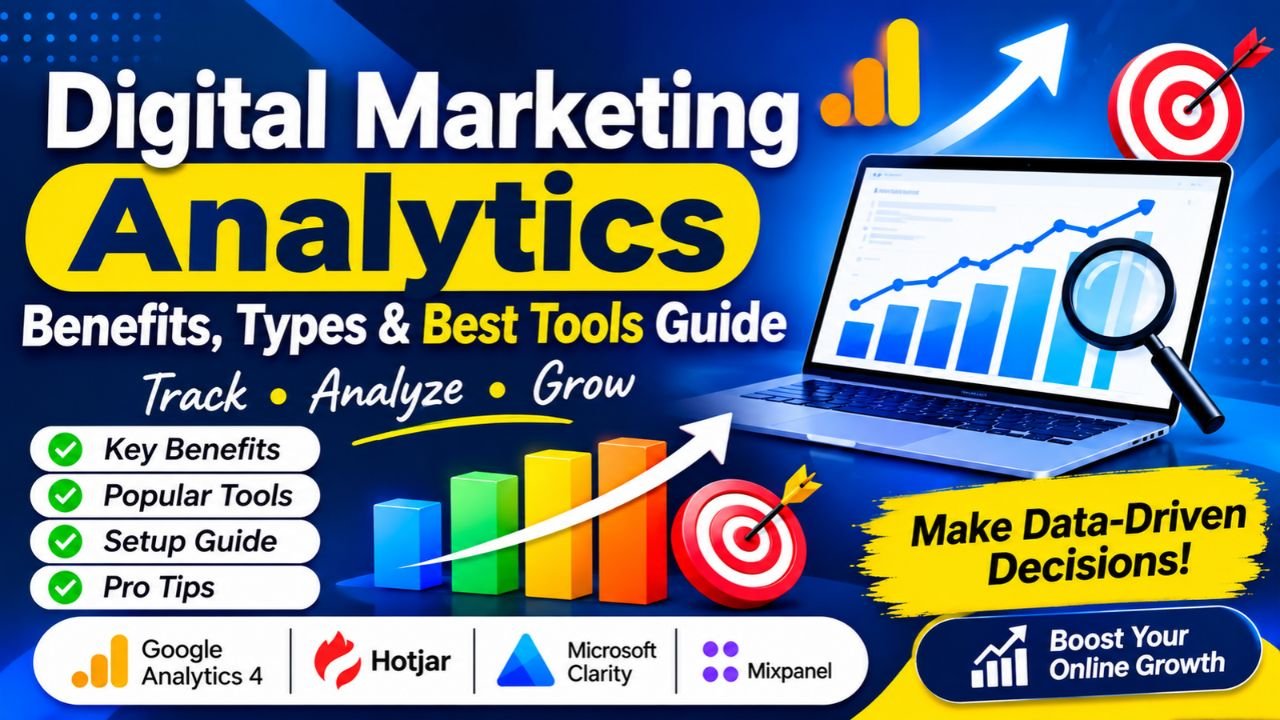
Digital Marketing Analytics Benefits Types & Best Tools Guide