Why Connecting Domain and Hosting Properly Matters
Has it ever happened that you purchased a domain from one place and hosting from another, but when you open your site, you get an error or display an old page? Unless a proper connection is established between the domain and hosting servers, visitors can’t access your website.
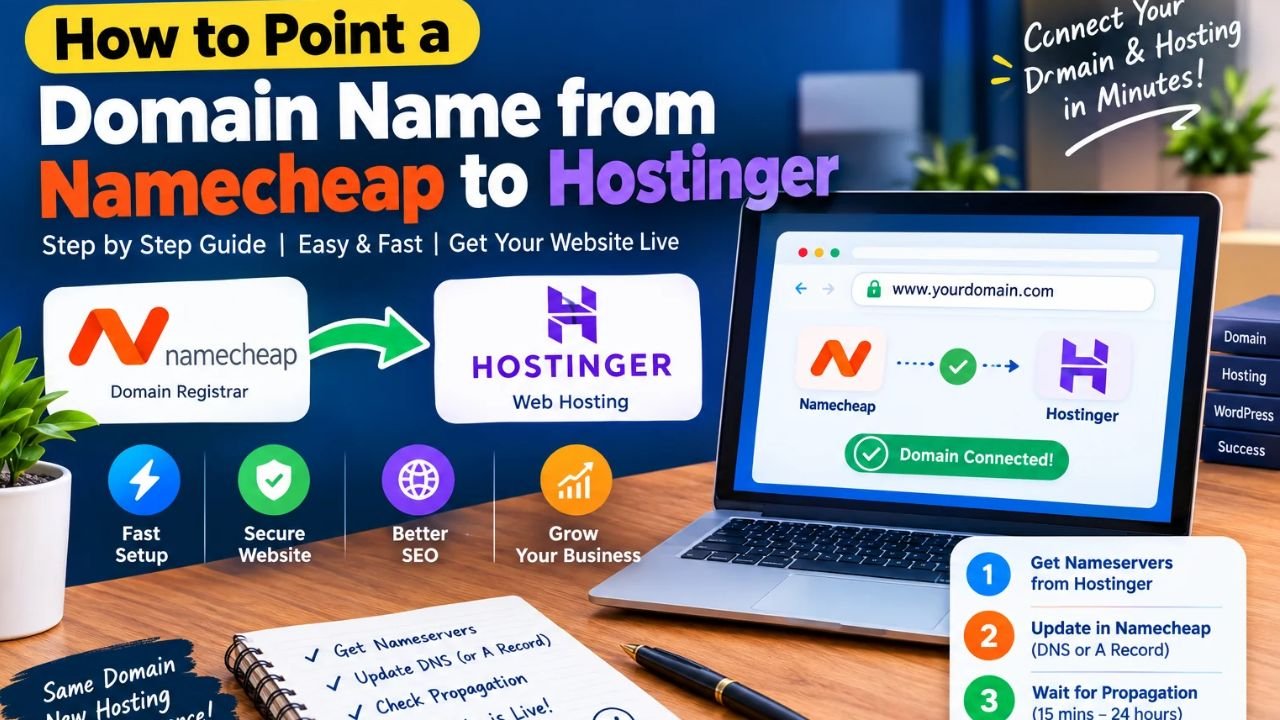
So when a creator works with different registrars and hosts, understanding how to point a domain name from Namecheap to Hostinger is the most important step.
Simply put, pointing your domain to your hosting means updating your domain’s DNS settings so the internet knows which server your website’s files are located on. You can also read our WordPress hosting setup guide later.
Why is the right connection necessary?
-
Website remains live and accessible: After correct pointing, visitors can open your site with your domain name.
-
SSL and WordPress setup is smooth: When the domain points to the right server, activating SSL and running WordPress is easy.
-
Email and sub-records remain safe: Making incorrect changes can affect email or subdomains, so it’s important to proceed with caution.
Look, there’s no fake shortcut to getting domain and hosting – you just need the right records and a little propagation time.
Guide to the image below this heading: Add a clean DNS flow diagram showing the process from user query to server resolution with simple labels. Don’t add any fake promises or misleading text.
How DNS, Nameservers, and A Records Work Together
Now let us see what happens when a user types your domain in the browser.
The Domain Name System (DNS) acts as the internet’s address book. First, nameservers tell you where your domain’s DNS records are managed, and the A record links the domain to the server’s IP address.
When you set the nameservers to match the hosting, DNS management usually shifts to the host side; or if you keep the nameservers the same, you need to update the A record (and other records as needed) in the domain registrar’s DNS panel.
In simple words, the flow is like this:
User Enters Domain -> DNS / Nameservers Check -> Server IP / Target Found -> Website Loads
The Difference Between Nameservers and A Records
-
Nameservers: These indicate which provider controls the domain’s DNS settings.
-
A Record: This points the domain or subdomain to an IPv4 address (hosting server).
-
DNS Propagation: After the settings are updated, it takes some time for the new records to be updated in resolvers around the world.
The most important thing is to always consult official documentation for DNS records and domain standards. For reliable technical reference, it’s a good idea to consult trusted sources like ICANN DNS Basics and Cloudflare Learning DNS .
Guide to the image below this heading: Add a clean diagram showing the connection between the browser, DNS resolver, and nameservers in simple language.
Key Things to Check Before Changing DNS Settings
This simply means that before changing the DNS, confirm the correct details in your hosting panel.
If you ‘re working on how to point a domain name from Namecheap to Hostinger , checking these things first will help prevent mistakes:
-
Confirm the correct domain and target server: Check in your hosting dashboard which domain or server IP your site is added under.
-
Make a note of old records: If you already have any custom DNS records set, make a note of them so you can check back if needed.
-
Be patient and verify: The new result may not appear everywhere immediately after updating DNS; wait a little while and check.
Otherwise, if you enter the wrong nameserver or IP address, your site may redirect to the wrong location or fail to load. You can also check out our WordPress beginner’s guide .
Step by Step Guide to Point a Domain from Namecheap to Hostinger
If you’re connecting your domain and hosting for the first time, be sure to carefully review each step. Otherwise, a wrong record or unsaved setting could delay your site’s live launch.
This step-by-step process shows you how to connect a domain name from Namecheap to Hostinger in a clean and secure way:
-
Get target details from the Hosting panel: Check the site/domain setup in your Hostinger account and copy the nameservers (or target IP/DNS details as needed) there.
-
Go to the Namecheap Domain List. Log into your Namecheap account, open the Domain List , and click Manage next to the domain you want to connect .
-
Update nameservers or DNS records: If you’re shifting nameservers, enter custom nameservers in the Nameservers section and save; if you’re pointing from an A record, carefully update the A record in Advanced DNS
@(as needed ).www -
Wait for propagation and check SSL/site: After saving changes, give some time for DNS to update, then check SSL/site status in browser and hosting panel.
Most importantly, there are no fake shortcuts to DNS pointing. The right details, a little waiting, and a clean setup are all it takes to get your site running smoothly. You can also read our WordPress hosting setup guide later.
Guide to the image below this heading: Include a clean step-by-step checklist or flow graphic that shows the steps from connecting the domain to setup and launch in clear boxes. Don’t include any fake promises or misleading text.
Nameservers vs A Record and Alternative Setups
Now comes an important question: Is there only one way to point a domain, or is there something else worth understanding besides nameservers and A records?
In fact, in most cases, people change nameservers to give DNS control to the hosting provider to make the records easier to manage, or update A records to point the domain to a specific server IP. Concepts like domain transfer or DNS/proxy services are also covered later.
Each method has its own purpose. Changing nameservers makes it easier to handle records on the hosting end, while A records are useful when you want to keep the DNS with the registrar.
Which method should be understood when?
-
If you want to easily manage DNS records from the hosting dashboard, it’s easy to understand when to update nameservers .
-
If you want to keep the records in the registrar’s DNS panel and point only to the server IP, then the A record option is shown.
-
You can further clarify the basic concepts of domain, hosting, and site setup by reading our WordPress beginner guide .
Guide to the image to place under this heading: Place a clean comparison graphic that shows the differences and flow of Nameserversthe two in simple language.A Record
Pros and Cons of Keeping Domain and Hosting Separate
Kisi bhi setup ke apne faide bhi hain aur kuch challenges bhi. Sachchi aur balanced baat jaanna zaroori hai taake tum real expectations ke saath kaam karo.
Pros (Faide)
-
Alag-alag flexibility: Domain registrar aur web hosting ko alag-alag manage karne ki aazadi milti hai.
-
Clear control over DNS: Jab tumhein pata ho ke nameservers ya records kahan set hain, to future changes aasan lagte hain.
-
Aasan troubleshooting: Agar koi issue aaye to tum registrar aur host dono ke settings check kar sakte ho.
Cons (Challenges)
-
Shuru mein thoda extra step: Beginners ko do panels (registrar aur host) samajhne mein thoda waqt lagta hai.
-
Propagation ka intezar: DNS changes turant har jagah apply nahi hote; kabhi-kabhi thoda waqt lagta hai.
-
Ghalat record ka risk: Ek extra space ya ghalat IP/nameserver site ko wrong place point kar sakta hai.
Dekho bhai, thoda sa dhyan aur patience rakho to domain pointing bilkul seedha kaam hai. Tum hamara WordPress security checklist bhi check kar sakte ho.
Is heading ke neeche lagane wali image ka guide: Ek clean pros and cons diagram lagao jisme Pros aur Cons ke 3-3 short points clearly dikhein.
Frequently Asked Questions
What does How to Point a Domain Name from Namecheap to Hostinger mean in simple words? Simple shabdon mein, iska matlab hai Namecheap par registered domain ki DNS settings (nameservers ya A record) ko is tarah update karna ke internet us domain ko tumhare Hostinger server se jor sake.
How long does DNS propagation take after changing nameservers or A records? Aksar kuch waqt se lekar zyada se zyada kuch ghanton tak lag sakta hai; is dauran alag-alag networks par purana ya naya result dono dikh sakta hai.
Should I change nameservers or update the A record? Ye is baat par depend karta hai ke tum DNS kahan manage karna chahte ho; aksar log hosting ke nameservers set karte hain taake management seedhi rahe, ya zaroorat ke mutabiq A record update karte hain.
Do I need to transfer my domain to point it to another hosting? Nahi, sirf site chalane ke liye domain transfer zaroori nahi hota; nameservers ya DNS records update karke bhi domain ko connect kiya ja sakta hai.
What should I do if my site still shows the old page or an error right after updating DNS? Pehle thoda waqt do, browser/DNS cache clear karo, aur verify karo ke nameservers ya A record sahi save hue hain ya nahi.
Final Thoughts
Look, in any online journey, the first step is the most important – build your site’s foundation clean and strong today, keep writing original and helpful content, and keep learning a little bit every day; one day you’ll be proud of your hard work!